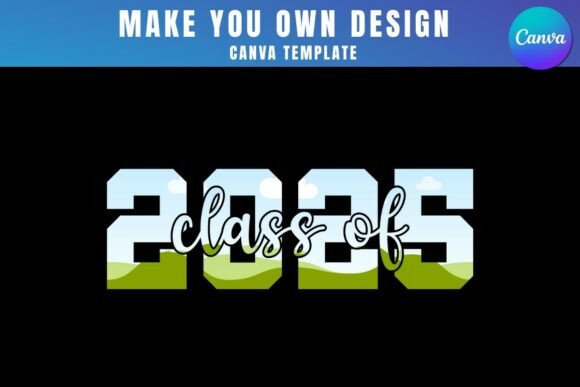
Celebrate the Milestone: Class of 2025 Canva Frame Templates
Graduation season brings a specific kind of energy. It's a mix of nostalgia, pride, and excitement for the future. For designers, marketers, and small business owners, it's also a peak season for creating meaningful products and content. The challenge is always speed and quality. You need professional-looking assets, but custom design from scratch isn't always feasible. This is where smart, adaptable design assets like the Class of 2025 Canva Frame Template Design become invaluable tools in your creative kit.
More Than Just a Frame: A Flexible Design Foundation
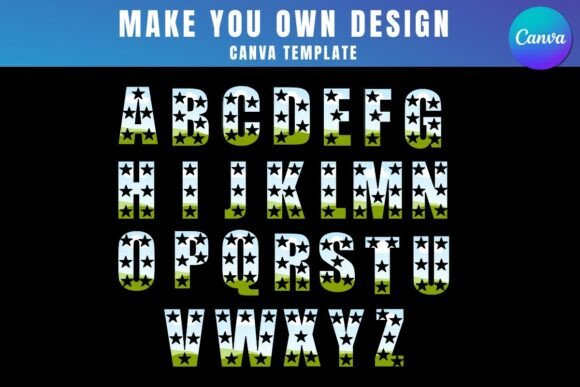
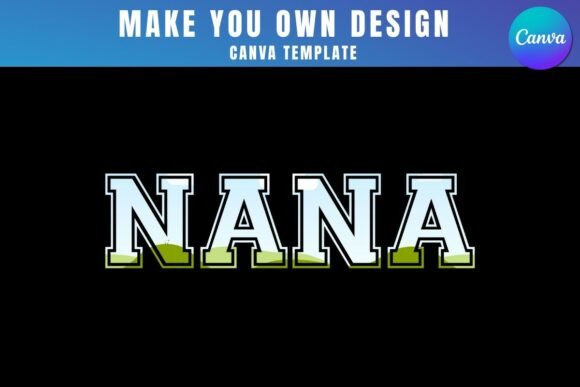
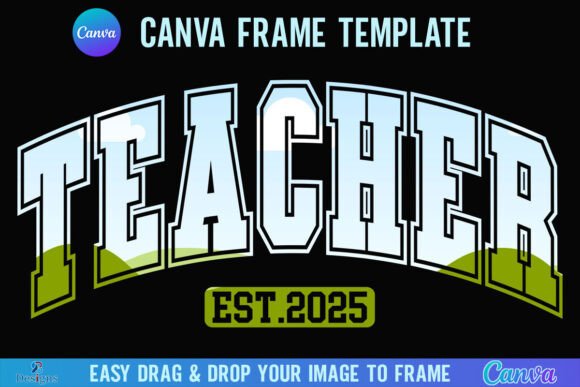
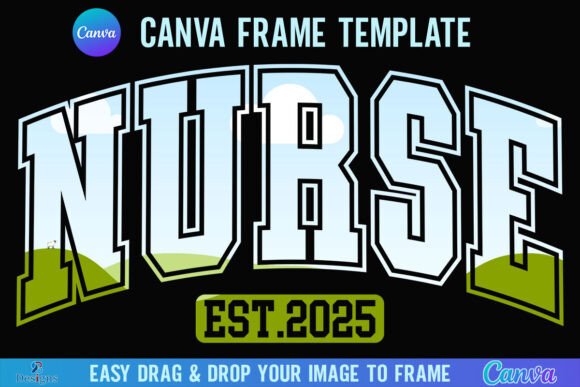
At its core, the Class of 2025 Canva Frame Template Design is a digital template that leverages Canva's powerful frame feature. Inside the provided zip file, you get a PDF with a direct link to these editable templates in Canva. The concept is straightforward yet powerful: you receive pre-designed frames with celebratory "Class of 2025" typography. Your job is to simply drag and drop any PNG or JPG background image into these frames. The frame's text and design elements overlay your chosen image, creating a custom, cohesive graphic in seconds.
The visual personality of these templates is celebratory and versatile. They aren't locked into a single aesthetic. You'll find options that feel modern and clean, perfect for a sleek digital announcement, alongside styles that are more playful, textured, or classic. This variety means the same core asset can serve a high-end boutique's social media campaign or a family's heartfelt graduation party invitation. The typeface used for "Class of 2025" is typically a display font or script font, chosen for its visual impact and celebratory feel. It's designed to be the hero element, guiding the viewer's eye directly to the milestone being celebrated.
Practical Applications for Creative Professionals
The real-world value of this Class of 2025 Canva Frame Template Design lies in its broad applicability. For social media graphics, it's a game-changer. Imagine a local photographer creating themed posts for all their senior portrait clients. Instead of designing 50 unique posts, they can use the frame template, dropping in a different portrait for each student. This ensures brand consistency across the campaign while celebrating each individual. The result is a professional, cohesive feed that saves hours of work.
For small business owners, especially those in e-commerce, the templates are perfect for packaging design inserts or thank you cards. A bakery could create special "Graduation Treats" labels. A gift shop owner could make personalized tags for graduation gift baskets. The templates allow you to incorporate your own branded textures, patterns, or product shots directly into the frame, reinforcing your brand identity while tapping into the seasonal excitement.
Entrepreneurs and content creators can use them for web design elements, like blog post featured images or website banners announcing graduation sales or events. The drag-and-drop functionality means updating these assets for different promotions is incredibly efficient. For print projects, the templates are ideal for creating flyers, posters, or even custom t-shirt designs. The key is that the frame provides a structured, professional layout, and your unique image provides the personalization.
Maximizing Your Template: A Strategic Guide
To get the most out of any premium font or template system, a strategic approach is essential. First, always consider your project's specific needs. The Class of 2025 Canva Frame Template Design is a creative font system best suited for celebratory announcements. It's not a workhorse sans serif font for body copy, but a specialized display font for headlines and key messages. Its strength is in recognition and emotional appeal, making it perfect for logo design elements for graduation-themed events or brands, but not for a corporate annual report.
Evaluating project fit is crucial. Ask yourself: Does the personality of the frame's typography match my brand's voice? If your brand is ultra-minimalist, a heavily ornate script frame might feel out of place. Test the templates with your own images before committing to a final design. Does the color of your background image clash with the frame's text color? Canva's editing tools allow you to adjust text color and sometimes size, so use that flexibility. This testing phase is where you ensure the font pairing—the relationship between the display frame text and any other text you add—feels harmonious.
Understanding the licensing is non-negotiable. This is a digital product with clear usage rules. It is exclusively for Canva. You cannot extract the frame design to use in SVG format or with cutting machines like Cricut or Silhouette. A free Canva account is all you need to open and edit the templates. However, to download your final creation with a transparent background (a common need for layering designs), you'll need Canva Pro. This is a standard requirement for advanced Canva features. For commercial use—like selling products with the designs—always review the specific license terms included with your purchase to ensure compliance.
Ultimately, tools like the Class of 2025 Canva Frame Template Design are about empowering your creativity, not replacing it. They handle the structural and typographic heavy lifting, freeing you to focus on the storytelling through imagery and message. By choosing the right frame style, testing it thoroughly with your content, and applying it strategically across your digital and print projects, you transform a simple template into a powerful component of your seasonal marketing or personal creative toolkit. It’s a practical solution that respects both your time and your professional standards.