Create Custom Sublimation Letters with Canva Frames
There's a special kind of frustration that comes with a brilliant idea and the wrong tools to execute it. You envision a beautiful, custom-designed gift with perfectly placed, personalized letters, but the process of creating each one from scratch in design software is time-consuming and often inconsistent. This is where a resource like the Canva Letters Frame Alphabet Template134 changes the game for crafters and small business owners. It’s not a traditional font file you install, but a clever, editable template system built specifically within Canva.
A Practical Solution for Personalized Projects
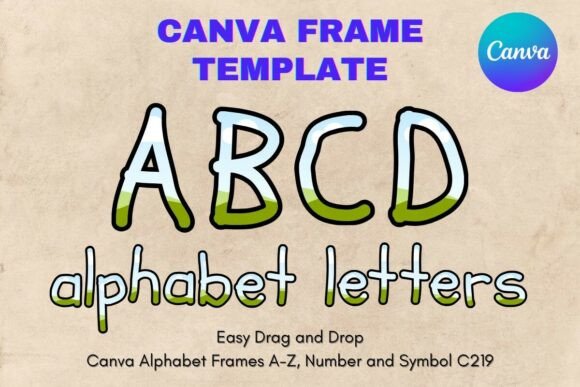
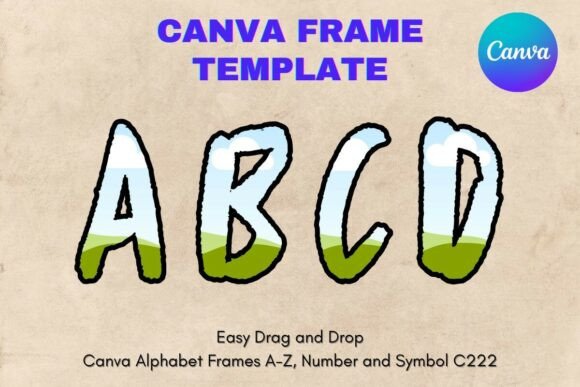
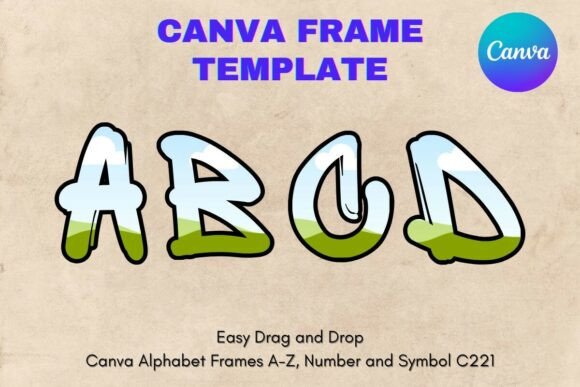
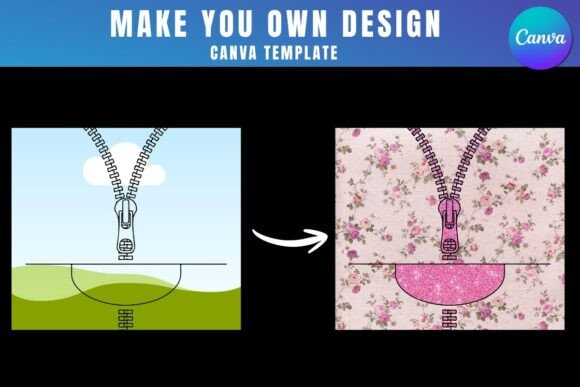
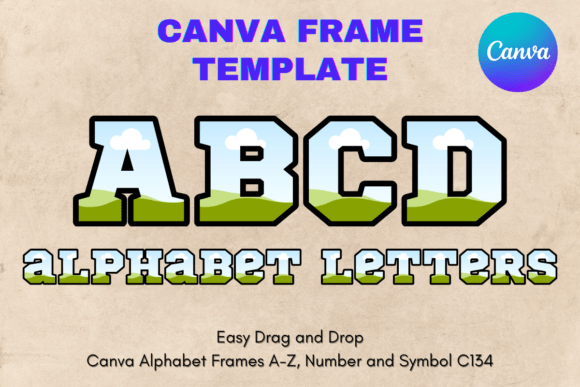
At its core, this template provides a set of letter-shaped frames. Think of them as pre-made, transparent cutouts for every letter of the alphabet. The visual style is clean and versatile, designed to act as a vessel for your own creativity. The personality isn't in the letter's own design, but in what you place inside it. This makes the Canva Letters Frame Alphabet Template134 an incredibly flexible asset. You can fill these frames with your own photographs, intricate patterns, solid brand colors, textures, or even other graphics, instantly creating a cohesive set of custom letters for any project.
The appeal lies in its simplicity and direct integration with a tool millions already use. You receive a single PDF with a link to your custom Canva template. From there, the process is pure drag-and-drop. There's no wrestling with complex vector software or trying to align multiple layers. The frames are sized for standard 8.5×11 inch paper, but as with any Canva element, you can scale them up or down without losing quality, making them suitable for everything from small tags to large wall art.
Where These Letter Frames Shine Brightest
The applications for this type of design asset are remarkably broad, especially for those working in personalization and small-batch production. For sublimation crafters, it’s a direct path to professional results. Imagine creating a child's name for a birthday shirt, a monogram for a tote bag, or a custom quote for a ceramic mug. You simply find a vibrant pattern or a favorite photo, drag it into the letter frame in Canva, and your design is ready for the sublimation process. The transparent layer ensures a clean edge every time.
Beyond sublimation, the template is a powerhouse for brand identity work. A new café could use it to create a unique logo mark by filling the letters with a texture that mimics coffee grounds or wood grain. A boutique hotel might place its initials inside the frames using a serene landscape photo from its property. For social media managers and content creators, it’s a quick way to generate eye-catching social media graphics with a consistent, branded look for announcements, quotes, or sale promotions. The ability to maintain visual consistency across all letters is a huge time-saver and elevates the perceived professionalism of the output.
Integrating Frames into Your Design Workflow
Using a template like this effectively requires a bit of strategic thinking. First, consider the content you'll place inside the frames. A busy, high-contrast photo might get lost inside a thin, delicate letter shape, while a simple, solid color could make a bolder frame style pop. It’s worth testing a few letters with your intended fill material before committing to a full project. This is where the editable nature of the Canva Letters Frame Alphabet Template134 proves its value—you can experiment freely without cost.
While these are display font frames, meaning they're best used for headlines, logos, or names rather than body text, you still need to consider readability. The final legibility depends heavily on the contrast between your fill and the background it sits on. A dark, textured fill inside the frame will need a lighter, simpler background to remain clear. Think of it as a two-part system: the frame provides the shape, your fill provides the character, and the background provides the context. Getting all three to work in harmony is the key to a polished result.
For those considering commercial use, it's essential to understand the licensing. Since this is a digital template product, you are typically purchasing the right to use the template itself to create your end products—like a finished sublimation design for a shirt or a finalized logo file. The license generally covers the sale of physical items you create using the designs. However, you cannot resell or redistribute the digital Canva template file itself as your own product. Always review the specific terms provided by the seller, as licensing can vary. This distinction is crucial for small business owners building a product line.
Ultimately, the Canva Letters Frame Alphabet Template134 is less about a specific aesthetic and more about providing a framework for your own. It’s a practical, modern tool that bridges the gap between a creative idea and a tangible, personalized product. By leveraging Canva's accessible interface, it empowers entrepreneurs, crafters, and designers to produce unique, branded materials efficiently, turning the daunting task of creating custom typography into a simple, enjoyable part of the creative process.